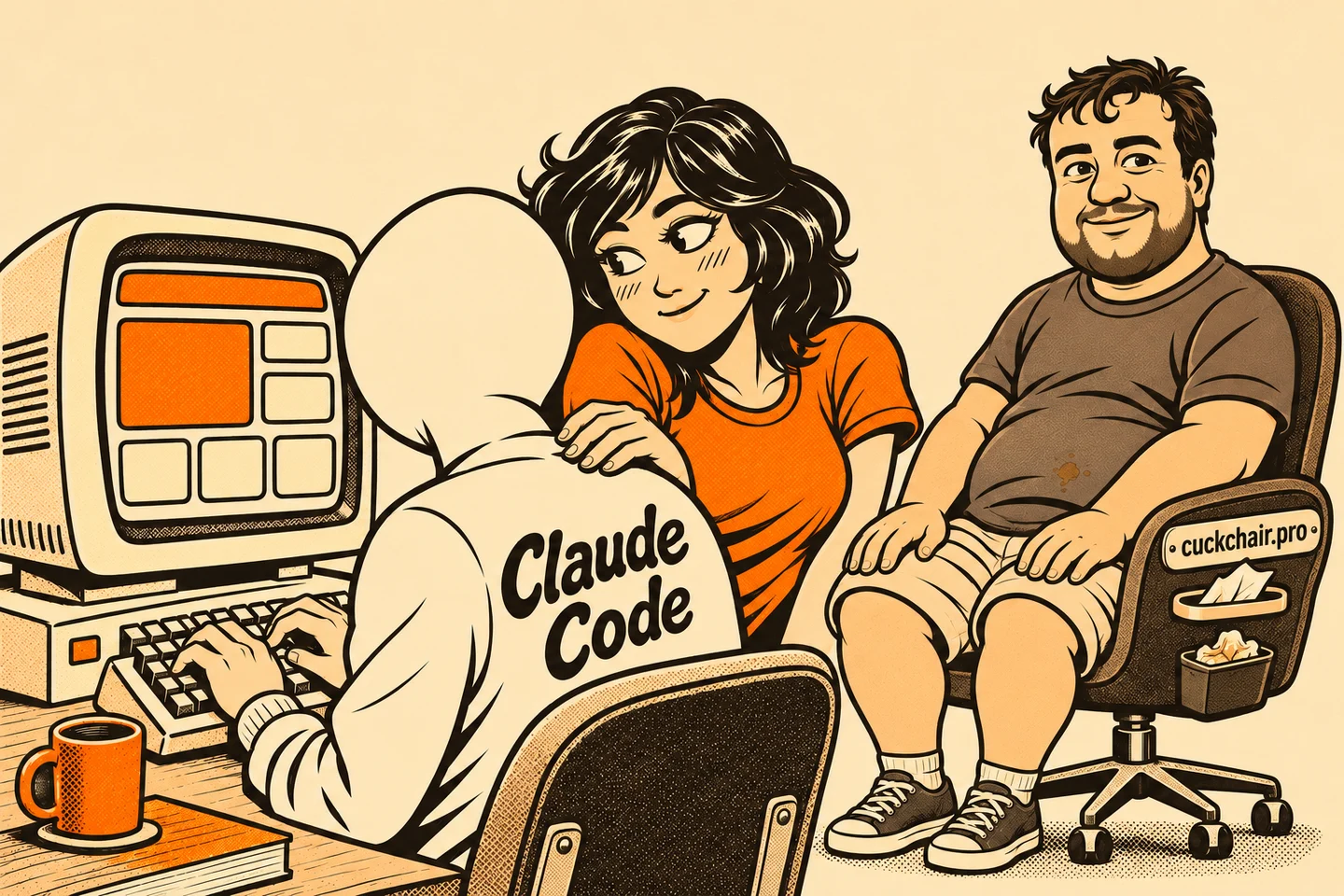
Branch: armchairKeyboard: delegatedCode review: still yours
The field manual
How to start cuck coding.
Build a seat indicator in one HTML file. Someone clicks “Take a seat”, the sign changes to “Taken”. Finally, a startup with an actual chair.
01
Make some room.
Create a fresh local Git repository and a branch using the commands below. You’ll have a clean starting point for the review.
feat/chair-status
02
Hand over the keyboard.
Launch Claude Code or Codex in that folder. Give it the brief for one seat, one button, one file. If it suggests accounts, ask who else is sitting here.
index.html
03
Try both seats.
Open the page. Click the button twice. Repeat with Tab and Enter. Reload. You should end up back where you started, both emotionally and on screen.
Free → Taken → Free
04
Read what changed.
Check which files were created, stage the page and read the diff. Commit when you can explain the change. The chair has no voting rights.
git diff --cached
Your first session
From empty folder to occupied chair.
Use a terminal with Git installed and your commit name and email configured. Either assistant can do the entire exercise.
Set up the demo
Run these lines in the parent folder where you keep projects. The empty commit gives you a baseline. The last line puts the exercise on its own branch.
git init -b main chair-demo
cd chair-demo
git commit --allow-empty -m "Pull up a chair"
git switch -c feat/chair-status
Choose who gets the keyboard
Claude Code
Install the CLI for your system using the official guide. From the chair-demo folder, launch it and follow the first-run sign-in prompts.
claude
Paste the Plan prompt below. When Claude’s plan fits one file, send the Build prompt. Read any permission request before approving it. Inside a session, /help lists commands.
Install the CLI for your system using the official guide. In the same project folder, start Codex and choose one of the sign-in methods it offers.
codex
Paste Plan, then Build once you like the approach. After the edit, type /diff in the Codex session to inspect the changes. Use the Review prompt for a second pass.
After the agent creates index.html, open a second terminal in chair-demo and start the local preview with Python 3. Visit http://127.0.0.1:8000. Press Ctrl+C in that terminal when you’re done.
python3 -m http.server 8000 --bind 127.0.0.1
On the page, check the two state changes, keyboard operation and the initial state after reload. Back in the project folder, stage the file to include the new HTML in the diff. If it all checks out, run git commit -m "Add seat toggle".
git status --short
git add -- index.html
git diff --cached
The prompt kit
Put it in writing.
Paste Plan first. Follow with Build when you’re happy. Debug is for a specific failure. Review asks for a second opinion before you commit.
plan.txt
Inspect this repository without editing files. I want one standalone index.html with a seat status and a button. The initial status is “Free”. A click changes it to “Taken”; a second click restores “Free”. Reload resets it.

Propose the smallest implementation and three manual checks. No packages or external requests. Wait for my go-ahead.
AI coding tutorials
17 practical AI coding tutorials on Claude Code, Codex, Git, browser testing, Python and SQLite. Each workshop includes a task, a prompt and a result you can check.
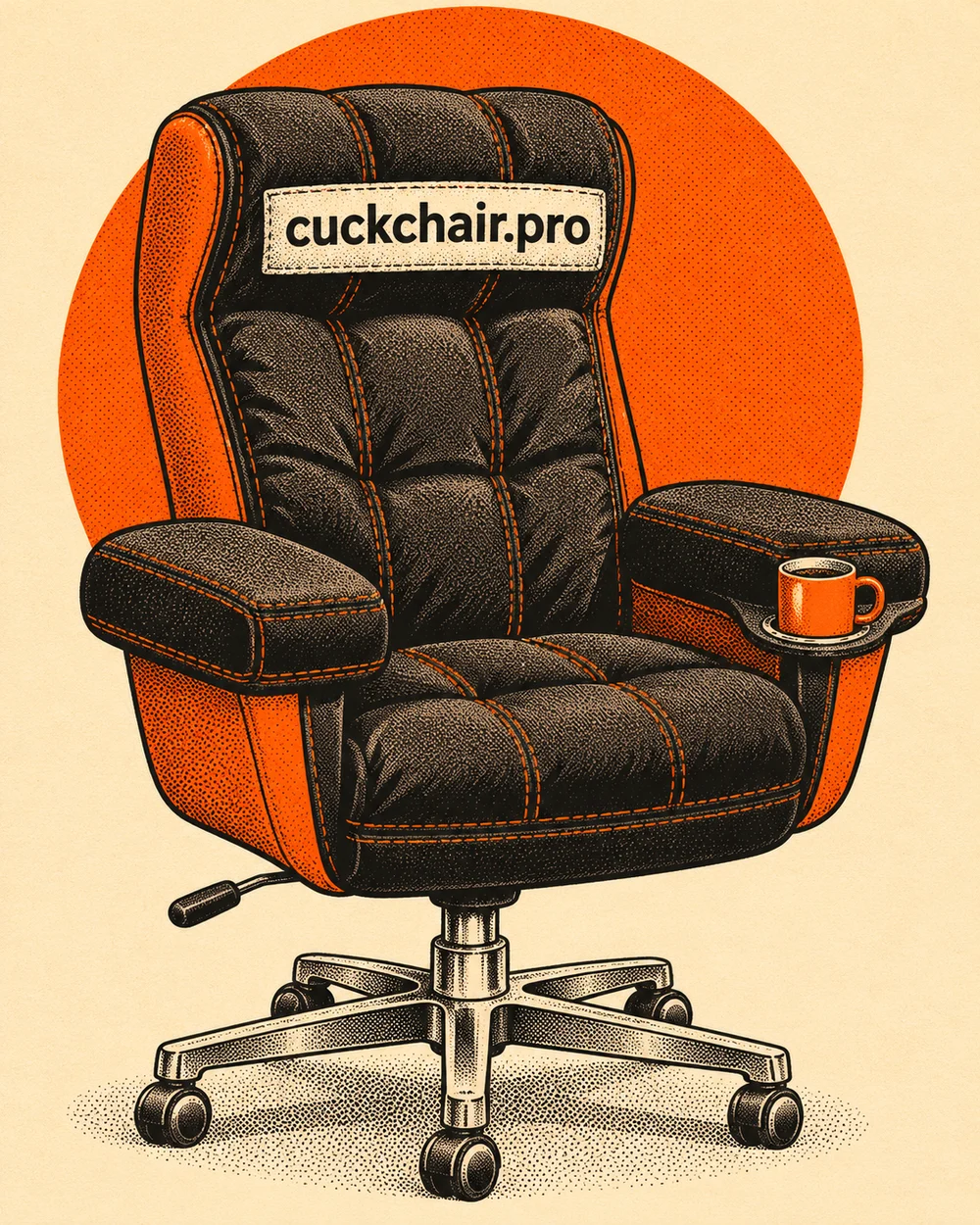
The first cuckchair.pro has padded armrests, an orange cup holder and precisely zero responsibility for the build. We rolled it back half a metre and finally spotted the database migration hiding in a button patch.
Our original field verdict: excellent rolling resistance when an agent asks for production access.
Long session? The V2 keeps the cup holder, adds a tissue cassette in the armrest and clips a mesh bin right underneath. The C.U.M. (Compacted Used-tissue Module) comes out in one piece. So, regrettably, do its contents.
Field note: the tissues are crumpled, stained and sticking together. The last reviewer has marked the incident “won’t fix”.
When the project already has browser tests, add one that clicks twice and checks both labels. Run the suite in UI mode to watch the first failing step.
Give the agent one job with a finish line you can check yourself. “Build my startup” is a cry for help. “Make this button work twice” is a brief.
How do I start a cuck coding project from scratch?
Start with the local demo. Create the repo, pick one assistant, paste the Plan prompt, then the Build prompt. Your first milestone is a working button on your own machine. The domain name can wait.
Do I need Claude Code and Codex?
One assistant is enough. If you have both, let one build and ask the other to review the uncommitted diff. Give the reviewer the same acceptance criteria. Even in a love triangle, someone has to write the brief.
The agent says “all tests passed”. Can I ship?
Ask which command ran and what it covered. For the seat demo, press the button twice yourself. A test that checks the page title can pass while you remain seated for eternity.
My agent installed a framework for one button. Is this serious?
Ask what problem the new dependency solves. For this exercise, a native button and a click handler are enough. Ask for the one-file version and inspect the diff again.
Is the Cuck Chair Pro required?
Highly recommended. The software runs on any chair. Our fictional test desk insists on the cuckchair.pro because both hands stay on the armrests until someone has read the diff.